01
03
05
Sort & Filter Matters
Sorting and filters simplify locating matters. Like index tabs, they help you quickly find what you need without endless scrolling.
Here’s a short video on sorting and filtering your Matters.
To filter Matters:
1. In the left navigation panel, view your list of all Matters.
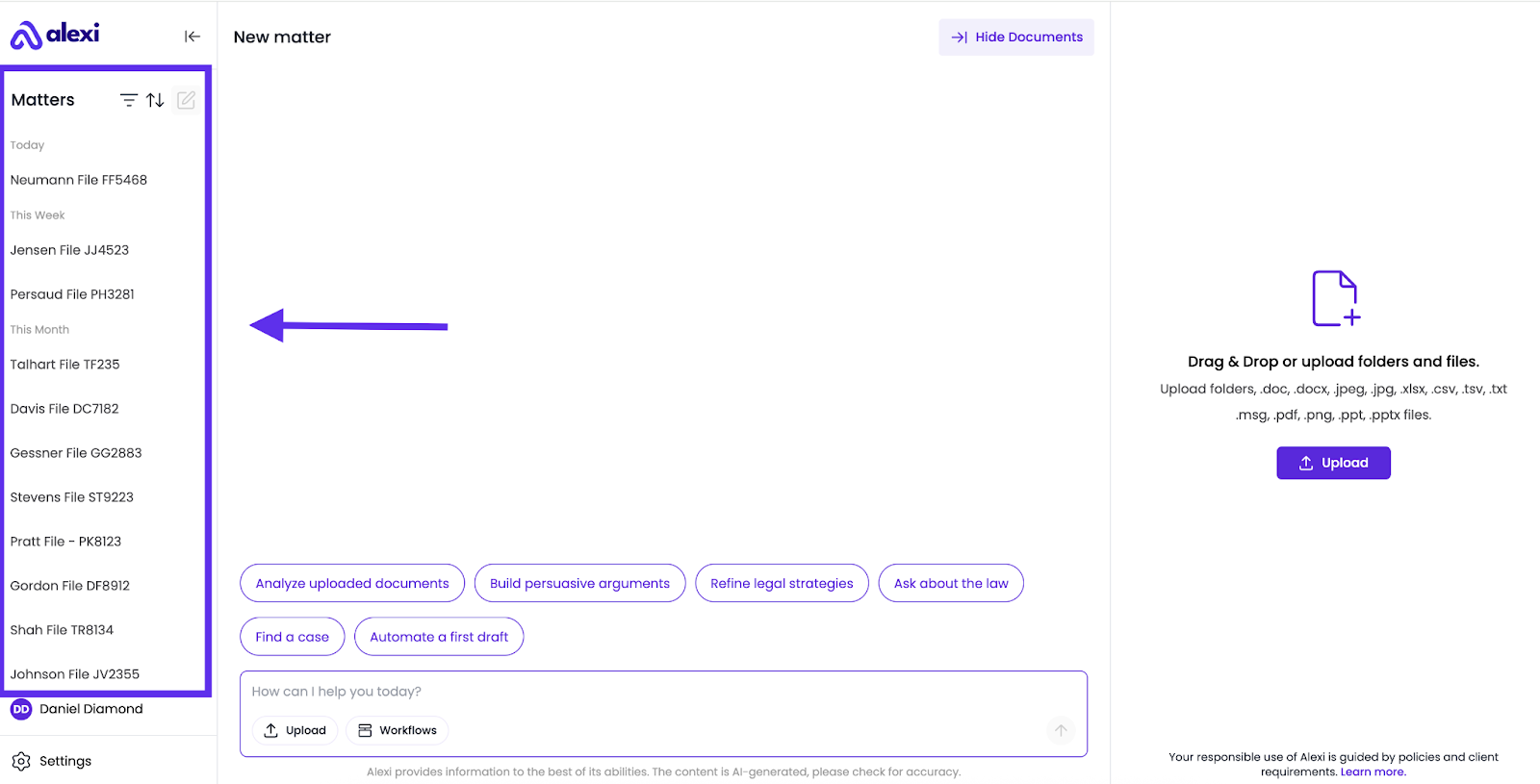
2. Use the filter bar to narrow results.

3. Filter Options:
You can choose multiple filters, including matter details, last modified date, and matter creation date:
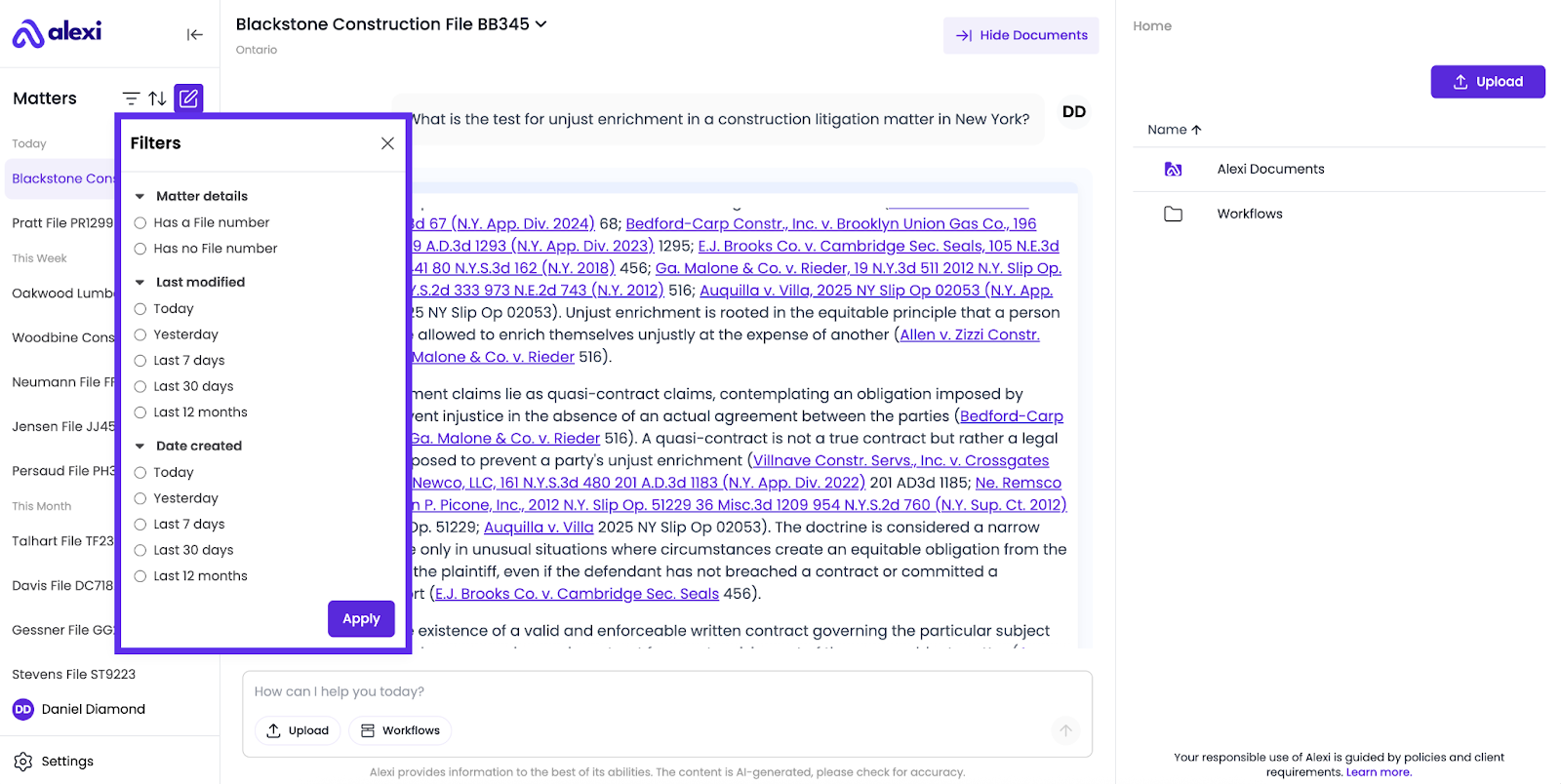
4. After selecting your criteria, click Apply to see filtered results.
To sort Matters:
1. In the left navigation panel, view your list of all Matters.
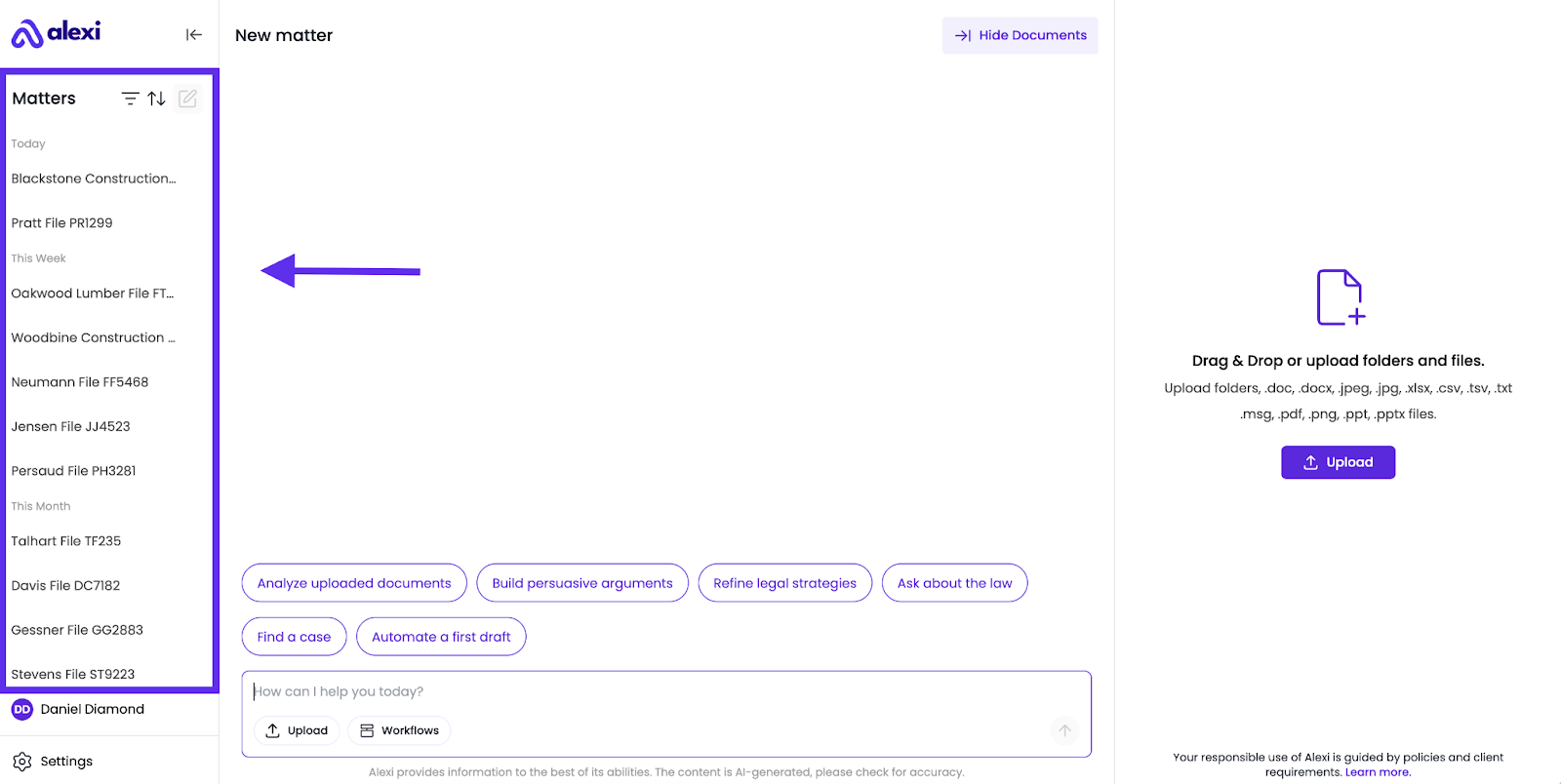
2. Use the sort criteria to re-arrange how your Matters show up.
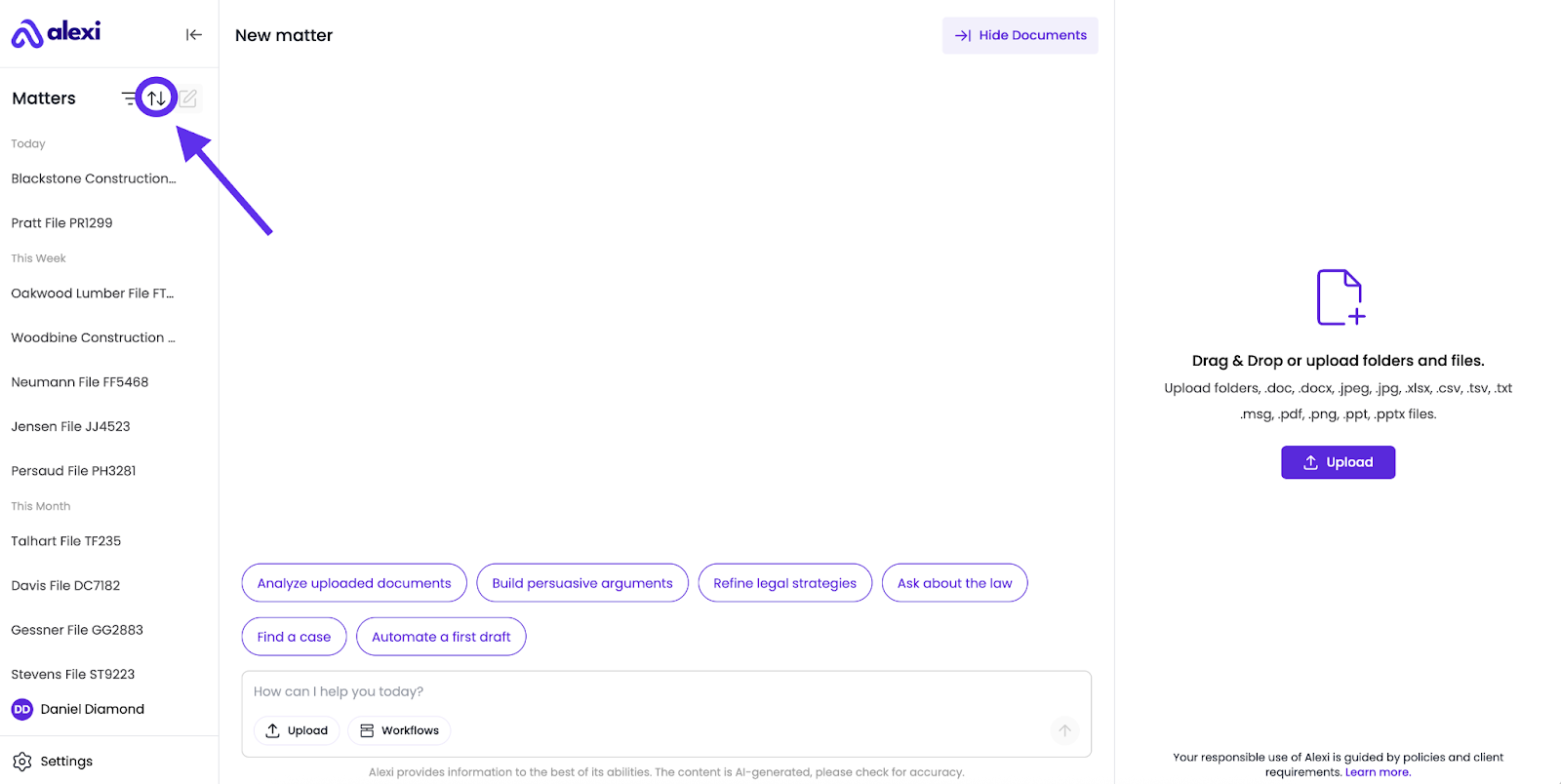
3. Sort Options
You can sort by the following parameters; Matter name, Client / matter number, Last modified or Date created.
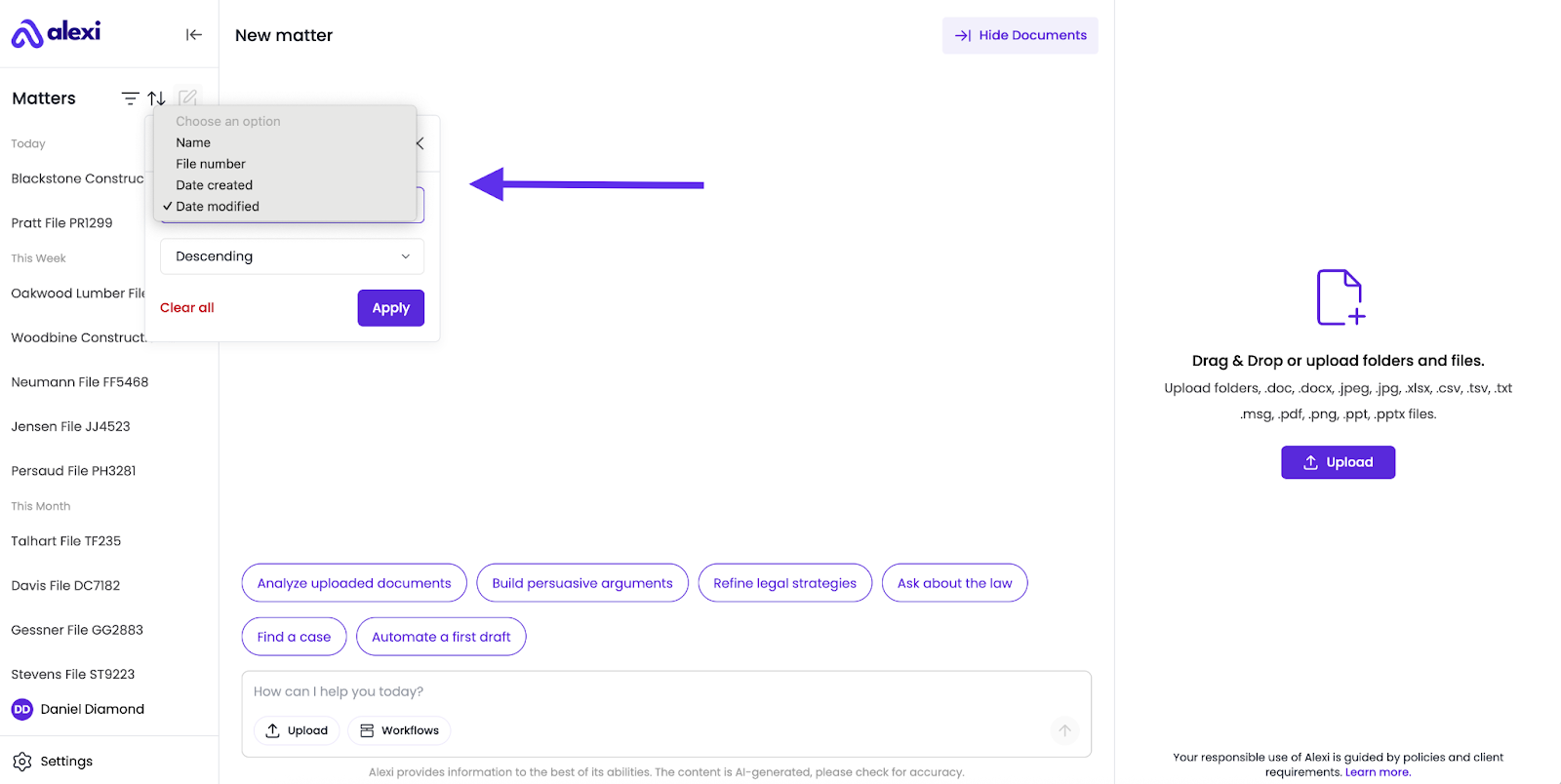
- Sort order can be set to either:
- Ascending
- Descending
- After selecting your criteria, click Apply to see filtered results.
Why use filters?
- Save time: Jump directly to the Matter you need instead of scrolling.
- Stay organized: Keep client work separated and easy to navigate.
- Work efficiently: Filters help identify what’s active, what’s new, and what needs attention.
FAQ
When should I use filters instead of just searching manually?
Filters are fastest when you’re juggling many active matters. Instead of guessing which Matter is which, filters cut straight to the one you want.
How does “Last Modified” work?
It sorts your list of Matters by the most recent updates, including new documents, new chat activity, or recent edits to the Matter.
Can filters help track older matters?
Yes. Use Date Created to find Matters that were started in a specific quarter or year, making it easy to revisit archived matters.
Do filters reset automatically?
To clear the filters, access the filters drop-down menu.
Is there a way to reset the sort criteria and order?
Yes. You can click on Clear All to reset the sort order.
How are Matters sorted by default?
Matters are organized by last modified date and categorized by age groups (e.g., Today, This Week, This Month)